So, when you start wondering about your operating system it is good to at least understand the options laid before you to make informed decisions. All of the most popular OSes have some advantages and disadvantages and I will try to at least give you my subjective view on them in this article. I will cover the three most popular flavors of desktop OS here: Microsoft Windows, Apple macOS and GNU/Linux in general.
Microsoft Windows
Unquestionable king of desktop operating systems with around 70% of adoption across all personal computers. The most popular, the most compatible (unless you are running a processor older than Intel 8th generation without a TPM 2.0 module) and probably the most privacy unconscious of the bunch. It has some pluses too! If you will face a problem on your OS then most probably someone in the world has faced it too and you will be able to find the solution online.
If you do not want to let a small corporation like Microsoft to lay hands on your device then I will strongly advise to seek an alternative and switch to Linux. On the other hand if you want to play any online games with kernel-level anticheat software or have some other software dependency like Adobe products then you are stuck here unfortunately.
With that being said I am also running Windows 11 on one of my devices due to gaming and the ability to mimic issues my friends are having on their devices to help them troubleshoot. Although, I have run a script from the mighty Chris Titus that disables some of the telemetry and monitoring Microsoft forces on the operating system. If you are curious - check out this GitHub repository. There is also another fun site that you should for sure check regardless of which OS you are running - privacy.sexy.
Apple macOS
Second one - macOS with around 13% of adoption on the personal computer market. I haven’t used it yet but I’ve heard good opinions from both developers and digital artists. The system is Unix-based, just like Linux, so tweaking it from the console should be a breeze but the OS itself is developed in a way that you will not have to open the terminal at all most probably unless you want to.
The OS is free to use but only if you install it on an Apple-provided device like Mac Mini, MacBook etc. There are ways to install it on a regular computer, but this is not recommended and can cause you a big headache if you do not know how to proceed. In case you are curious - look for term ‘hackintosh’ online.
For privacy-conscious folks - Apple gathers a little less telemetry than Microsoft and is not forcing you to use an Apple account to use your computer. Although it is still not ideal, but if you decide to run macOS - privacy.sexy is still your friend.
GNU/Linux
Oh boy, where do I start. The ecosystem of Linux is very broad - you will find EXACTLY what you want if you dig deep enough or you will be able to customize whatever you installed to your liking. The pro of Linux is that you are the boss - the con of Linux is that you are the boss. If anything goes wrong it is on you to find the root cause and fix it. The little differences between distributions are most of the time meaningless in the process but can be significant once you dig deep enough.
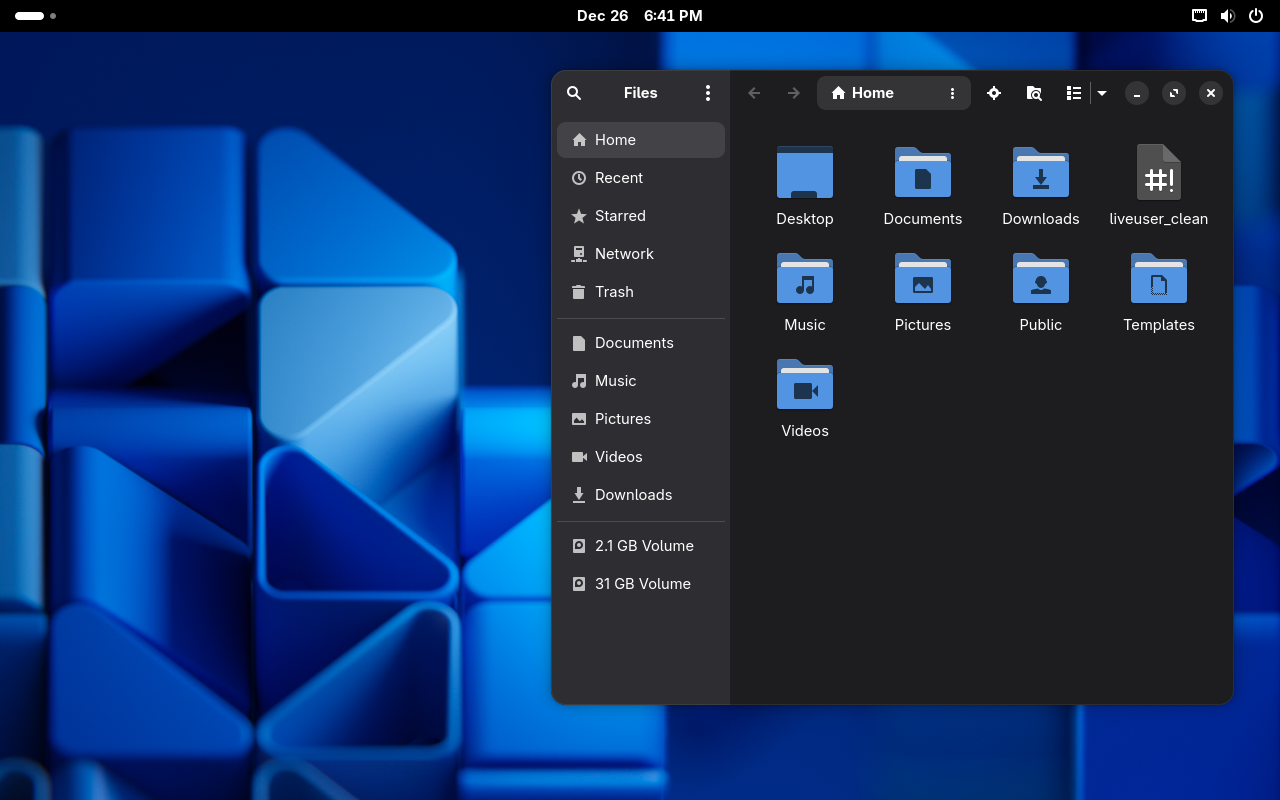
I want to cover briefly three main branches of Linux.
- Debian
- Fedora Linux
- Arch Linux
These are the roots or maybe the main distributions from which the rest is derived. Whenever you will find some distribution like TheBestLinuxOS you will be able to trace it back to the root distribution. I will cover a set of those also and mind you - all of them were once on my computer for a longer or shorter period.
Debian
The most stable with the oldest packages. For me the king of the servers where the stability matters. A bare-bones operating system that you can use wherever you would like. The package manager there is apt (Advanced Package Tool). If you just need a simple OS for browsing the web and doing taxes or you are running a server and looking for an OS - this should be your choice.
Ubuntu
Open-source derivative from Canonical. This one is company-driven and advertised once as “Operating system for humans”. Now it is leaning more towards enterprise customers and you can feel it in some places.
Canonical also takes some decisions that are not too welcome in the Linux community like introducing their own package system called snap or rewriting some of the internal tooling in the Rust programming language. It is also shipping with customized GNOME desktop environment by default but there are lots of derivatives with other ones too like Kubuntu with KDE Plasma. That being said I am running Ubuntu on my servers due to their Long Term Support (5 years!) on selected versions and on the laptop I am typing this article on. :)
It is also a very common distribution to be found in Windows Subsystem for Linux (WSL) if you need Linux capabilities but are running MS Windows.
Overall - questionable decisions might drive you out of the OS but still it is well polished and stable with a set of much newer packages available than on Debian.
Linux Mint
Another derivative, this time managed fully by the community. The base version is derived from Ubuntu, so Linux Mint <- Ubuntu <- Debian and the LMDE version is derived directly from Debian. Well polished distribution with the Cinnamon desktop environment by default. It resembles the Windows 10 interface and is very well suited for a regular user.
This is the distribution I would recommend trying first before any other. There is a very high chance that it will work out of the box and you will sail smoothly.
Fedora Linux
Fedora, fedora, fedora. If I had to choose one distribution to run for the rest of the life of my computer it would be it. The distribution is backed by Red Hat, but remains fully open-source and community-driven. The packages are updated pretty regularly but only after the proper testing. They come a little later than on Arch (to which we will come later) but still much faster than on Debian. This balance is crucial if you have some newer hardware or want to run more up-to-date programs.
That being said it still is really stable and almost never gave me a problem I couldn’t solve. This almost is why I still keep my Windows machine for gaming, at least for now. :)
The default package manager is dnf (Dandified YUM) which is a successor of yum (Yellowdog Updater Modified) and officially you can download it in two desktop environments flavors - GNOME and KDE Plasma, where GNOME is the default one. If you do not like any of those then Fedora Spins are also there.
If you are a developer or want a distribution for gaming AND productivity at the same time - you will find home here.
Red Hat Enterprise Linux
I just felt that Red Hat Enterprise Linux or RHEL for short requires the mention. This distribution is paid. Or maybe to phrase it better - the support is paid. One could argue that Fedora is a derivative from RHEL but I see it differently. There is a tendency to first try a feature on Fedora before merging it into RHEL’s codebase.
This distribution is widely used in an enterprise setting (duh!) running on servers. I will not say a word more about RHEL. :)
Bazzite
Fedora derivative that is focused on gaming. It comes with KDE Plasma desktop environment and is based on a special Fedora version called Fedora Atomic - every piece of software running is in a sandboxed environment. Bazzite is using a custom package manager wrapper called just and comes with NVIDIA drivers preinstalled, which is not that obvious in a Linux environment. You will also find some gaming related software like Steam preinstalled.
If you want something to game on out of the box but don’t care too much about the overall productivity then this should be your pick.
Arch Linux
Bleeding-edge distribution. The moment a package is released, it will be available to download. Other than that it comes with the pacman package manager and nothing much more. The installation process is manual unlike every other distribution on the list. It can be overcome by using the archinstall script which is included in the ISO.
The Arch is a distribution that you basically build yourself. It does not come with preinstalled productivity applications etc. You are the boss even more than with the rest.
It is worth mentioning that the Arch is also has a cult following among Linux users who value it for the bare-bones approach and very minimal overhead during work.
CachyOS
An operating system that has most of Arch’s advantages and disadvantages but comes with a nice graphical installer and custom kernels. The distribution is mainly aimed at gamers but generally is an Arch with some quality of life improvements. If you game and didn’t like Bazzite or want to get every FPS that you can this is the right choice.
Summary
The world of operating systems is broad. Use whatever makes sense for you and don’t fall for people telling you otherwise.
But if you find yourself curious about Linux - start with Linux Mint, then go down the rabbit hole of distro-hopping (changing the distribution you are running) to finally find peace on THE ONE distribution, possibly Fedora Linux. :)
I hope that you enjoyed reading this simple rundown of OSes and most importantly… HAVE FUN!